I Made a Tetris Game: SynthStack
Table of Contents
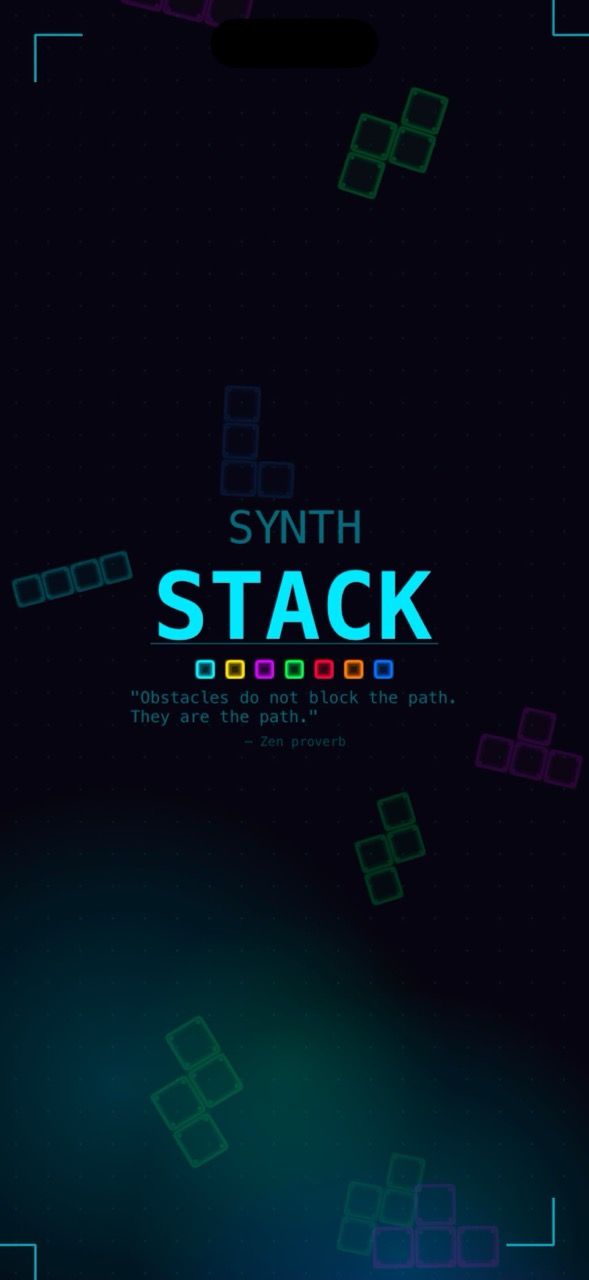
I’ve always enjoyed Tetris. There’s something meditative about it, the rhythm of dropping pieces, the satisfaction of clearing lines, the flow state you enter when everything clicks. At some point I thought: what if I built my own version, with the aesthetic I actually want to play in?
That’s how SynthStack started. A block puzzle game wrapped in neon and synthwave visuals, built with SpriteKit for iOS.
Why Build a Tetris Game?
Honestly, it started as a learning exercise. I wanted to get deeper into SpriteKit and GameplayKit, Apple’s native game frameworks that don’t get nearly enough love. Building a Tetris clone seemed like the perfect scope: complex enough to be interesting, simple enough to actually finish.
But once I started, it grew beyond a clone. I wanted to make it feel like my game.
The Neon Aesthetic
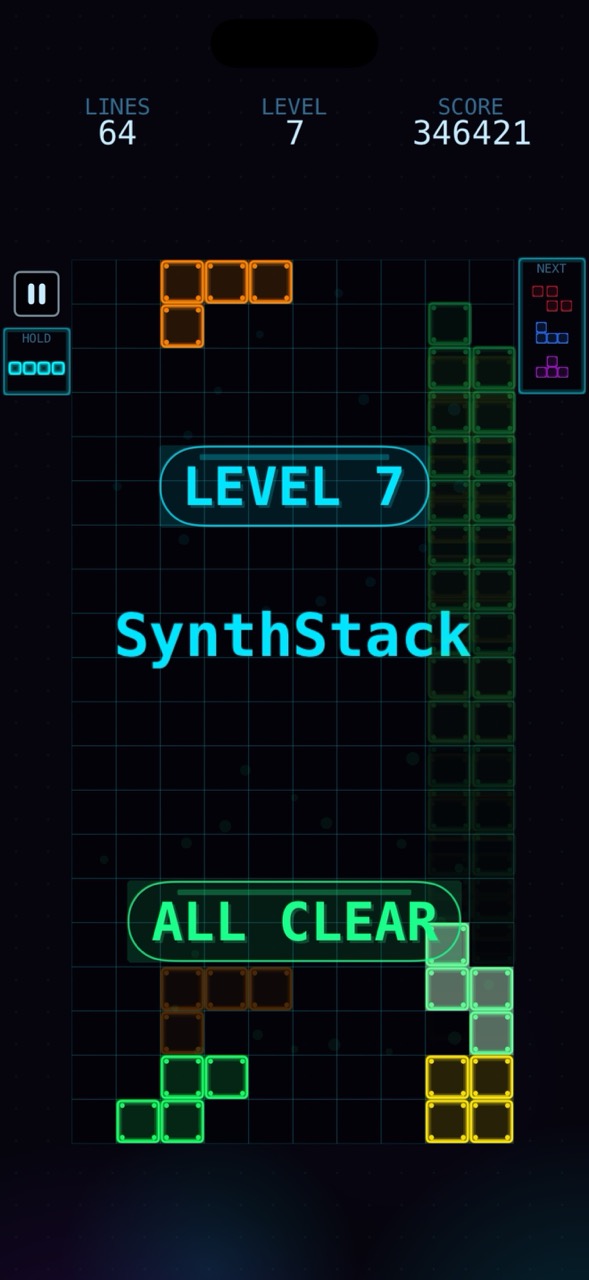
I’m a sucker for synthwave and cyberpunk visuals. Deep space blacks, neon cyan accents, glowing borders, holographic block cells with corner dots. The whole UI is built programmatically, no image assets for buttons or panels. Everything is rendered with UIGraphicsImageRenderer and SKTexture, which means the visuals scale perfectly on any device.
The design system (DS) defines the entire color palette and generates textures at runtime: rounded rectangles with glow halos, block cells with scan-line highlights, dot-grid backgrounds, corner bracket decorations. It’s a small thing, but having a consistent design language made the game feel cohesive.
Game Modes
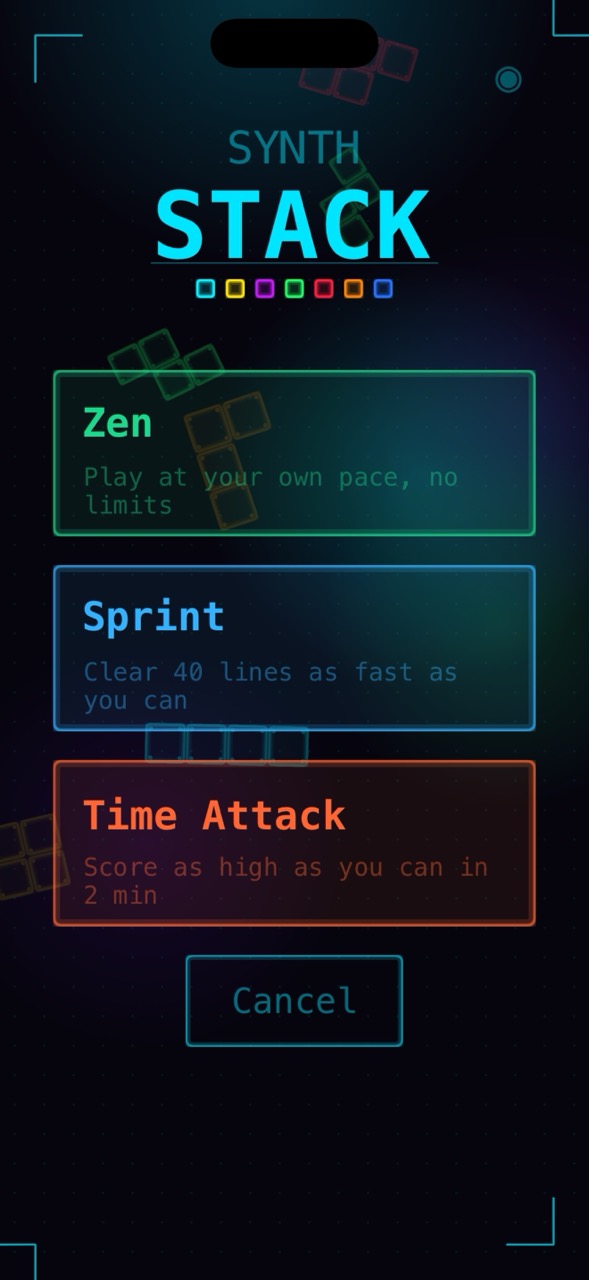
The game shipped with three modes:
- Zen: endless play, no pressure, just vibes
- Sprint: clear 40 lines as fast as you can
- Time Attack: maximize your score in 2 minutes
Each mode has its own leaderboard via Game Center, and Sprint tracks your best time per difficulty.
Cat Mode

I have two cats named Syntax and Lumos. You may have seen videos made for cat where mouse come and go in screen, and cats try to catch them. So, I want to mimick this and created cat mode, where pieces float around and when they pressed, pop. It didn’t attract my cats interest as I hoped but, still I decided to keep it. There might be cats who might like it.
Scoring: Guideline Compliant
I implemented the modern Tetris scoring guideline: base points per line clear (100/300/500/800), level multiplier, T-Spin bonuses, back-to-back chains for consecutive difficult clears (1.5x multiplier), combo bonuses, and All Clear (Perfect Clear) awards. If you clear all blocks from the board, you get 3500 × level points.
Desktop Mode & Keyboard Support
One thing I added recently is full keyboard support for when the game runs on Mac (via “Designed for iPad”). Using GCKeyboard from the GameController framework, you get:
- Arrow keys for movement (with DAS/ARR, Delayed Auto Shift and Auto Repeat Rate, just like competitive Tetris)
- Space for hard drop
- Up arrow or X for clockwise rotation, Z for counter-clockwise
- C or Shift for hold piece
- Escape or P for pause
The “How to Play” instructions screen automatically detects whether you’re on Mac and shows keyboard controls instead of touch gestures.
Things I Learned
SpriteKit is underrated. For 2D games on Apple platforms, it’s genuinely good. The integration with GameplayKit (state machines, rule systems, entity-component) gives you a solid architecture without pulling in a massive engine.
Localization from day one. SynthStack is localized in 13 languages. Having a simple L10n() helper and .lproj bundles from the start made this painless. Adding a new string to all languages is a 5-minute task.
Haptics matter. Light impact on soft drop, heavy impact on hard drop, medium on piece lock, notifications on bonuses and level-ups. The game feels completely different with haptics on vs off.
Ship the simplest thing, then polish. The first version was Zen mode only with basic scoring. Sprint, Time Attack, the hold piece, the preview queue, the replay system, T-Spin detection, all came later.
Try It
SynthStack is free on the App Store. If you like Tetris and synthwave aesthetics, give it a shot.
Download SynthStack on the App Store
If you have feedback or find bugs, I’d love to hear about it.